

A website can look outdated without being technically broken. It can also look modern while hiding deeper problems with performance, mobile usability, SEO, navigation, content structure, or maintainability.
That is why deciding between a redesign and a rebuild should not begin with colors, fonts, or visual preferences. The right choice depends on what is actually limiting the website today and what the business needs the website to do next.
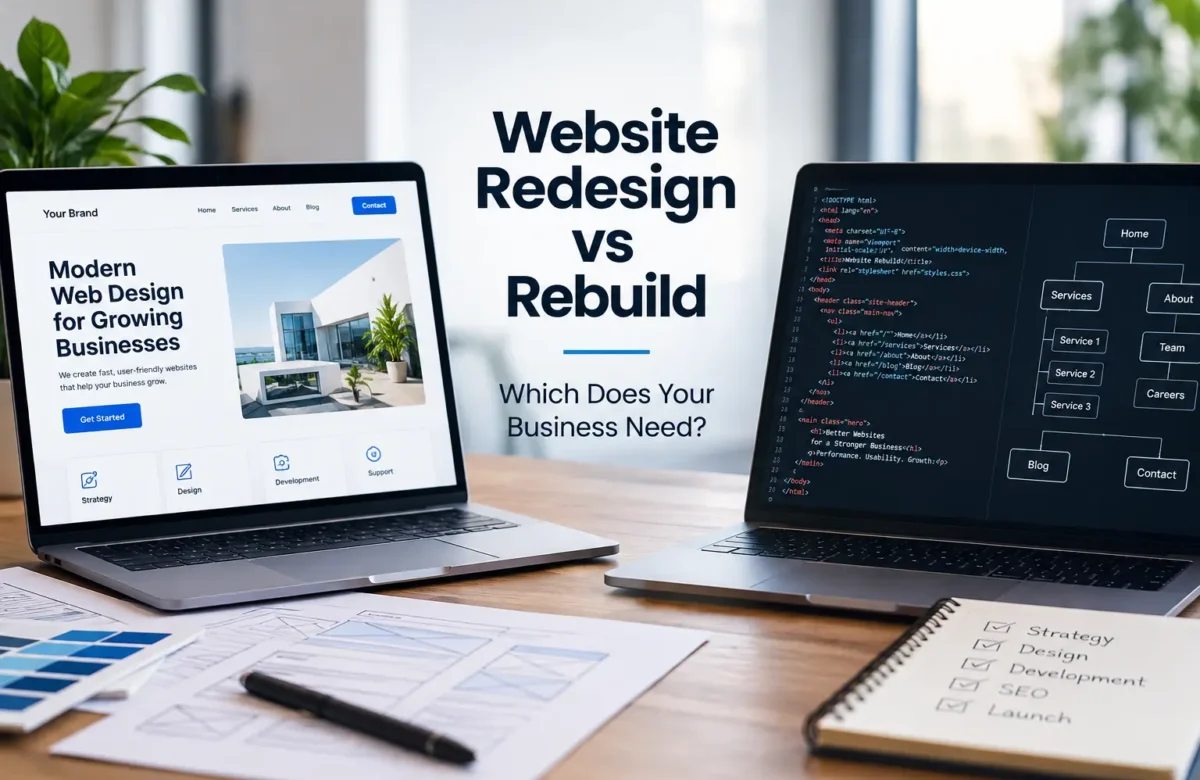
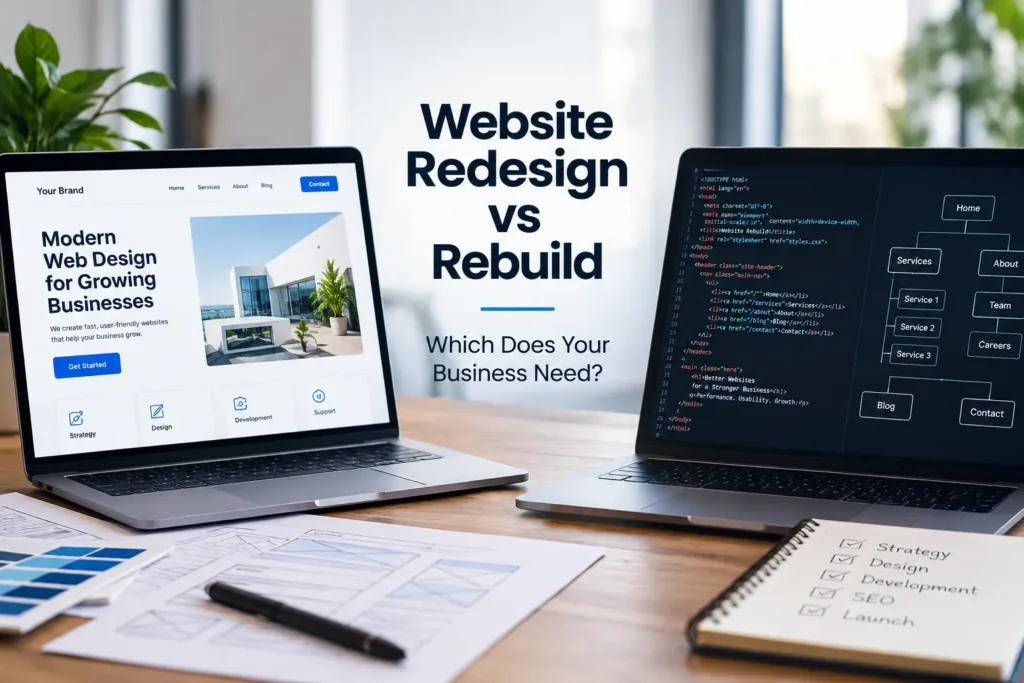
Website Redesign vs Rebuild: Which Does Your Business Need? The short answer is simple: choose a redesign when the underlying website structure and technology are still suitable but the user experience, visual presentation, or content needs improvement. Consider a rebuild when the existing platform, codebase, architecture, performance, functionality, or long-term scalability creates limitations that cosmetic changes cannot realistically solve.
For many businesses, the most important step is identifying whether the problem exists on the surface or deeper inside the website.
Website Redesign vs Rebuild: Understanding the Real Difference
A website redesign usually keeps much of the existing technical foundation while changing how the website looks, feels, and guides users through its content.
A redesign may involve:
- modernizing the visual style;
- improving page layouts;
- simplifying navigation;
- updating typography and branding;
- improving calls to action;
- reorganizing content;
- improving mobile layouts;
- refining user journeys;
- updating landing pages;
- improving accessibility and readability.
The existing CMS, database, hosting environment, major integrations, and much of the underlying code may remain in place.
A rebuild goes deeper. Instead of improving the current website around its existing foundation, the website is recreated using a new or substantially revised technical architecture.
A rebuild may include:
- changing or replacing the CMS;
- rebuilding templates and front-end code;
- changing the website architecture;
- restructuring URLs;
- rebuilding eCommerce functionality;
- replacing outdated plugins or integrations;
- improving database structure;
- creating new responsive components;
- rebuilding forms, booking systems, or custom functionality;
- reconsidering hosting and performance architecture.
These two approaches can overlap. A full rebuild will usually include a visual redesign, while some redesign projects require limited development changes. The real distinction is how much of the existing technical foundation remains useful.
Responsive behavior should be part of either option. MDN’s responsive design guidance describes responsive web design as an approach that allows layouts to adapt across different devices and screen sizes. A website that still relies on rigid desktop-oriented layouts may require more than simple visual adjustments.
When a redesign is usually enough
A redesign may be the more efficient choice when the site works reliably and the technology still supports the company’s goals.
Typical signs include:
- the design looks dated but the CMS works well;
- the website structure is generally logical;
- existing integrations remain suitable;
- pages load reasonably well;
- the website can already be edited easily;
- there are no major security or maintenance concerns;
- the main problem is poor UX or outdated branding;
- the business does not require major new functionality.
For example, imagine a professional services company with a five-year-old WordPress website. The site loads correctly, its pages are indexed, the admin area is manageable, and the contact forms work. However, its layout feels outdated, calls to action are weak, mobile spacing is inconsistent, and the homepage no longer reflects the company’s current positioning.
In this situation, rebuilding the entire website may create unnecessary work. A redesign focused on UI, content structure, responsive layouts, and user journeys could address the primary problems while keeping the existing technical foundation.
When a rebuild becomes more practical
A rebuild becomes more appropriate when the website’s problems are structural rather than cosmetic.
Warning signs can include:
- an outdated or unsupported CMS;
- fragile custom code;
- large numbers of conflicting plugins;
- poor mobile architecture;
- difficult content management;
- serious performance limitations;
- broken integrations;
- inflexible templates;
- poor URL or information architecture;
- major new functionality requirements;
- security or maintenance problems;
- a website that cannot scale with the business.
Suppose an eCommerce company has expanded significantly since its website was built. The original store now depends on numerous plugins, custom modifications, manual processes, and integrations added at different times. Product management has become difficult, mobile checkout needs improvement, and developers avoid updates because changing one component can break another.
In this situation, another layer of visual redesign may improve appearance without addressing the underlying technical debt. A controlled rebuild may create a cleaner architecture that is easier to maintain and extend.
The platform decision should never be based only on trends. WordPress, WooCommerce, custom development, or another CMS may each be suitable depending on requirements, integrations, scale, budget, content workflows, and long-term maintenance needs.
Businesses evaluating these options can review Makis Web’s web design and development services to understand how design, development, performance, and SEO considerations can be approached together rather than as isolated tasks.
How to Decide Between Redesigning and Rebuilding
The decision becomes clearer when the existing website is evaluated across several areas instead of focusing only on visual design.
1. Review the website’s technical condition
Start by identifying whether the existing system is stable and maintainable.
Review:
- CMS and software versions;
- theme or framework quality;
- plugin or extension dependencies;
- custom code;
- hosting configuration;
- database condition;
- security practices;
- backup processes;
- third-party integrations.
If the website is technically healthy, keeping the existing platform may reduce complexity. If routine updates regularly cause failures or developers struggle to understand the codebase, rebuilding may provide greater long-term value.
2. Test performance rather than judging appearance
A visually attractive site can still perform poorly.
Performance should be assessed using real technical data. Tools such as Google PageSpeed Insights can help identify issues affecting loading and responsiveness, although a PageSpeed score should not be treated as the only measure of website quality.
Performance can depend on hosting, server configuration, JavaScript, CSS, images, third-party scripts, caching, fonts, themes, plugins, and other implementation choices.
A redesign can often improve heavy imagery, layout behavior, and front-end components. However, if the main bottlenecks come from architecture, outdated code, database issues, or excessive dependencies, rebuilding may be more efficient than repeatedly optimizing a weak foundation.
3. Evaluate mobile usability carefully
Mobile usability deserves particular attention because Google uses the mobile version of website content for indexing and ranking. Google’s current mobile-first indexing guidance recommends ensuring that mobile users and Google can access the important content on the site.
A redesign may be enough when the website already uses a responsive technical structure and simply requires better spacing, navigation, typography, touch targets, or mobile content presentation.
A rebuild may be more appropriate when the mobile experience is constrained by rigid templates, duplicated mobile pages, outdated front-end techniques, or functionality that cannot adapt properly to smaller screens.
4. Examine SEO risks before changing the site
One of the most common mistakes during a redesign or rebuild is treating SEO as something that can be added after development.
Any substantial website change can affect:
- URLs;
- internal links;
- page titles and metadata;
- structured content;
- crawlability;
- indexability;
- canonical URLs;
- XML sitemaps;
- page performance;
- content hierarchy.
A redesign that preserves existing URLs and content architecture can involve less migration risk. A rebuild often creates more opportunities for improvement, but it also requires stronger migration planning.
When URLs change, appropriate redirects should be mapped carefully. Important pages should not simply disappear because the website structure changed.
Google’s site move documentation provides guidance for websites changing URLs, including the use of redirects and monitoring the migration afterward.
5. Consider what the business will need in the next few years
The current website should not be evaluated only against today’s requirements.
Ask whether the business expects to add:
- new services;
- new markets or languages;
- eCommerce;
- booking functionality;
- customer portals;
- CRM integrations;
- automation;
- more complex analytics;
- additional locations;
- new content formats.
If the current platform can support those requirements cleanly, redesigning may make sense. If every new feature requires another workaround, rebuilding may reduce future complexity.
For example, a growing company may initially need only a small brochure website. Several years later, it may require multilingual content, location-specific pages, structured lead generation, integrations, stronger SEO architecture, and extensive service content. At that stage, the decision should focus on whether the original website architecture can reasonably support the new business model.
Cost also needs to be considered beyond the initial project. A redesign may cost less initially because more of the existing system is retained. However, redesigning a technically weak site can lead to ongoing maintenance and development costs.
A rebuild usually involves greater initial scope, but it can be justified when it replaces expensive technical debt or removes limitations that affect future development.
The best decision therefore comes from comparing the cost of maintaining the current foundation with the cost and business value of replacing it.
Makis Web approaches website projects by considering design, usability, development, performance, SEO, and long-term business requirements together. Businesses that are unsure whether their current site needs a visual refresh or a deeper technical rebuild can discuss their website project before committing to a particular approach.
Frequently Asked Questions
What is the difference between a website redesign and a rebuild?
A redesign mainly improves the visual presentation, user experience, content layout, and navigation while keeping much of the existing technical foundation. A rebuild replaces or substantially changes the underlying website architecture, code, CMS, templates, or functionality.
How do I know if my website needs a complete rebuild?
A rebuild may be appropriate when the existing website suffers from outdated technology, difficult maintenance, poor architecture, recurring technical problems, major performance limitations, or an inability to support new business requirements.
Can a redesign improve website performance?
Yes, depending on the source of the performance problems. Optimizing layouts, images, front-end assets, and components can improve performance. However, deeper issues involving hosting, databases, outdated code, plugins, or architecture may require development work beyond a redesign.
Will redesigning a website affect SEO?
It can. Changes to URLs, internal links, page content, navigation, metadata, mobile layouts, or technical implementation may affect how search engines crawl and understand the site. SEO considerations should therefore be included during planning rather than added after launch.
Is rebuilding a website always better than redesigning it?
No. Rebuilding adds scope, migration work, testing, and cost. If the existing technical foundation remains stable and suitable, a focused redesign may be the more efficient solution.
Should a business redesign or rebuild an outdated WordPress website?
It depends on the condition of the WordPress installation, theme, plugins, custom code, content structure, performance, security, and future requirements. A healthy WordPress installation may only need redesign and optimization, while a heavily outdated or fragile setup may justify a rebuild.