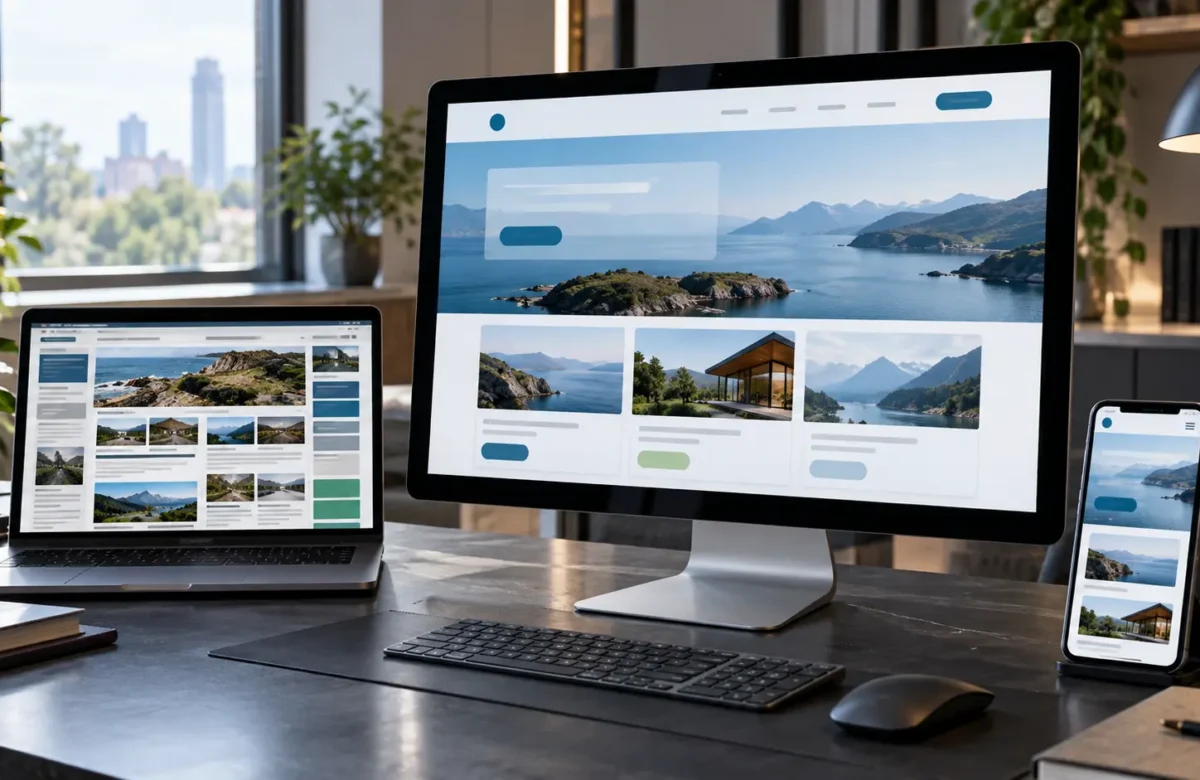



A website can look polished on a desktop monitor and still become frustrating the moment someone opens it on a phone. Navigation may become difficult to use, text can appear too small, buttons may sit too close together, images can overflow their containers, and multi-column layouts can become almost impossible to read.
Responsive Web Design Services address these problems by designing and developing websites that adapt to different screen sizes, resolutions, orientations, and device capabilities rather than relying on one fixed desktop layout.
MDN defines responsive web design as an approach that allows web pages to render effectively across different screen sizes and resolutions while maintaining usability. Modern responsive development commonly combines flexible layouts, CSS Grid or Flexbox, media queries, responsive images, and appropriate viewport configuration.
For businesses, responsive design is not simply about making a desktop page smaller. The goal is to preserve the purpose of each page across devices. A visitor should still be able to understand the offer, navigate the website, read content, complete forms, compare products, contact the business, or make a purchase without fighting the interface.
How Responsive Web Design Services Create Better Websites
A responsive website is built around flexible behavior rather than a collection of fixed screenshots for specific devices. The layout responds to the space available and reorganizes content when necessary.
For example, a desktop website might display a navigation bar, three service columns, a large hero section, and several supporting elements next to each other. On a smaller screen, those same elements may need to become a compact menu, a single-column layout, smaller media, and touch-friendly controls.
CSS media queries are one of the technologies that make this possible. MDN’s documentation on media queries explains that they allow styles to respond to characteristics such as viewport size and device orientation. Instead of creating an entirely separate mobile website, developers can adapt the same content and interface according to available space.
A professional responsive design process can address areas such as:
- flexible page layouts;
- mobile and desktop navigation;
- responsive typography;
- scalable spacing and content sections;
- flexible images and video;
- responsive product grids;
- forms and input fields;
- buttons and touch targets;
- tables and data-heavy interfaces;
- headers and footers;
- eCommerce product and checkout interfaces;
- device-specific usability issues.
Responsive design should also consider content priority. Simply stacking every desktop element vertically can produce an extremely long and inefficient mobile experience. Designers need to understand which information should appear first, which interface elements can be simplified, and how users are likely to interact with the page on different devices.
This is one reason responsive work is closely connected with User Experience design. The visual layout and the user’s task cannot be treated separately. A business website should remain understandable and usable whether someone visits from a large desktop screen, tablet, smaller laptop, or smartphone.
Accessibility also overlaps with responsive design. W3C’s guidance for WCAG Reflow explains that content should be capable of adapting to narrow viewports and increased zoom without unnecessary two-dimensional scrolling, except where a two-dimensional layout is essential to the content.
That principle benefits more than mobile users. People who zoom pages because of low vision or who use smaller browser windows can also benefit from layouts that reorganize rather than forcing horizontal scrolling.
At Makis Web, responsive design fits within a broader approach combining website design, development, usability, SEO, performance, and digital strategy rather than treating the website as a purely visual asset.
What Makes a Website Truly Responsive?
A website should not be considered responsive simply because it technically fits inside a mobile screen. Good responsive implementation requires attention to layout, content, interaction, performance, and accessibility.
One important principle is designing around content rather than targeting a handful of popular device models. Screen sizes change constantly. Breakpoints should therefore be introduced where the layout actually needs to change rather than attempting to create separate designs for every phone and tablet on the market.
A mobile-first approach can also be useful. Instead of designing a complex desktop interface and repeatedly removing features until it fits on a phone, the process can begin with the essential content and functionality for smaller screens and progressively enhance the experience as more space becomes available.
MDN’s responsive design guidance describes mobile-first development as beginning with the smallest layout and adding complexity for larger viewports. This often encourages clearer content prioritization and avoids unnecessary complexity on smaller devices.
Responsive images are another important consideration. Loading an extremely large desktop image on a small phone can waste bandwidth and negatively affect performance even if CSS visually scales the image down.
Modern HTML provides responsive image techniques such as srcset, sizes, and the picture element so browsers can select more appropriate image resources for different conditions. Image compression and appropriate file formats can further support performance.
Typography also needs to remain readable. Headings should scale without overwhelming small screens, paragraph width should remain comfortable, and buttons or links should not become difficult to select with touch input.
Navigation often needs specific attention. A complex desktop menu with multiple levels may need a different interaction model on mobile. The responsive version should preserve access to important pages without creating a menu that occupies most of the screen or becomes confusing to operate.
Forms are another common problem. Fixed-width input fields, side-by-side form columns, small checkboxes, and poorly positioned validation messages may work on desktop but create significant friction on mobile.
Responsive design should therefore be tested as a complete user journey rather than only by checking whether individual sections visually fit.
Businesses planning a new website or redesign can explore Makis Web’s web design and development services for responsive design, UI/UX, development, performance, and related website requirements.
Responsive Design, Performance, SEO, and Business Results
Consider a service business with an older website created primarily for desktop visitors. On a laptop, the website appears acceptable. On a phone, however, the navigation is difficult to open, text requires zooming, contact buttons are small, and service sections extend beyond the screen.
The company may initially view the problem as a visual redesign issue, but the actual impact is broader. Potential customers may struggle to find information, complete a contact form, or understand the company’s services.
As a hypothetical example, a responsive redesign could reorganize the homepage around a simpler mobile hierarchy. The navigation could become easier to operate, service sections could move from multiple columns to a flexible layout, buttons could become easier to tap, typography could adapt to the viewport, and oversized images could be replaced with responsive image resources.
The desktop version would still use the additional screen space, but both versions would support the same core user goals.
Performance should be considered during the same process. Responsive layouts can still be slow if they load oversized images, excessive JavaScript, unnecessary fonts, or heavy third-party resources. Responsive design and performance optimization therefore work best together.
Mobile usability can also interact with search visibility, but businesses should avoid simplistic claims such as “responsive design automatically improves rankings.” Search performance depends on many factors, including content relevance, technical implementation, crawlability, competition, page experience, website authority, and user intent.
The stronger business case for responsive design is that it creates one website capable of serving users more effectively across different environments while simplifying ongoing content and development management.
Before choosing a responsive web design provider, businesses can ask:
- Will the website be designed for mobile as well as desktop from the beginning?
- How will navigation change across screen sizes?
- Are layouts tested at multiple viewport widths rather than only a few devices?
- How will images and media respond?
- Are forms and calls to action optimized for touch interaction?
- Will accessibility and keyboard usability be considered?
- How will website speed and image performance be handled?
- Will existing SEO structure be protected during a redesign?
- How will eCommerce or custom functionality behave on mobile?
- Will the website be tested across modern browsers?
Responsive design should also be maintained after launch. New sections, plugins, content blocks, advertisements, embeds, popups, or third-party integrations can create mobile problems even when the original website was properly designed.
Regular website testing can identify layouts that overflow, buttons that become inaccessible, unexpected cumulative layout changes, oversized images, or components that do not behave correctly at particular screen widths.
This makes responsive design part of ongoing website quality rather than a one-time checkbox during development.
Makis Web provides website design and development alongside WordPress, eCommerce, UI/UX, responsive web design, SEO, performance optimization, maintenance, security, and related digital solutions. Businesses planning a new website or improving an existing one can also discuss their website project with Makis Web.
The strongest responsive websites are not simply smaller versions of desktop designs. They adapt layout, content priority, images, navigation, typography, and interactions so users can achieve the same core objectives across devices. That makes responsive design a combination of design thinking, front-end development, usability, accessibility, and performance rather than a single CSS technique.
Frequently Asked Questions
What are Responsive Web Design Services?
Responsive Web Design Services involve designing and developing websites that adapt their layout, content, navigation, images, and interactions according to different screen sizes and device conditions. The goal is to maintain usability across mobile phones, tablets, laptops, and desktop displays.
What is the difference between responsive design and mobile-friendly design?
Mobile-friendly is a broad description for a website that can be used reasonably well on mobile devices. Responsive design is a specific development approach in which layouts and interface elements dynamically adapt according to available screen space and other conditions.
Does responsive web design help SEO?
Responsive design can support a technically consistent and usable multi-device website, but it does not guarantee better search rankings. SEO performance also depends on content, crawlability, technical implementation, search intent, competition, links, website quality, and other factors.
Can an existing website be converted to responsive design?
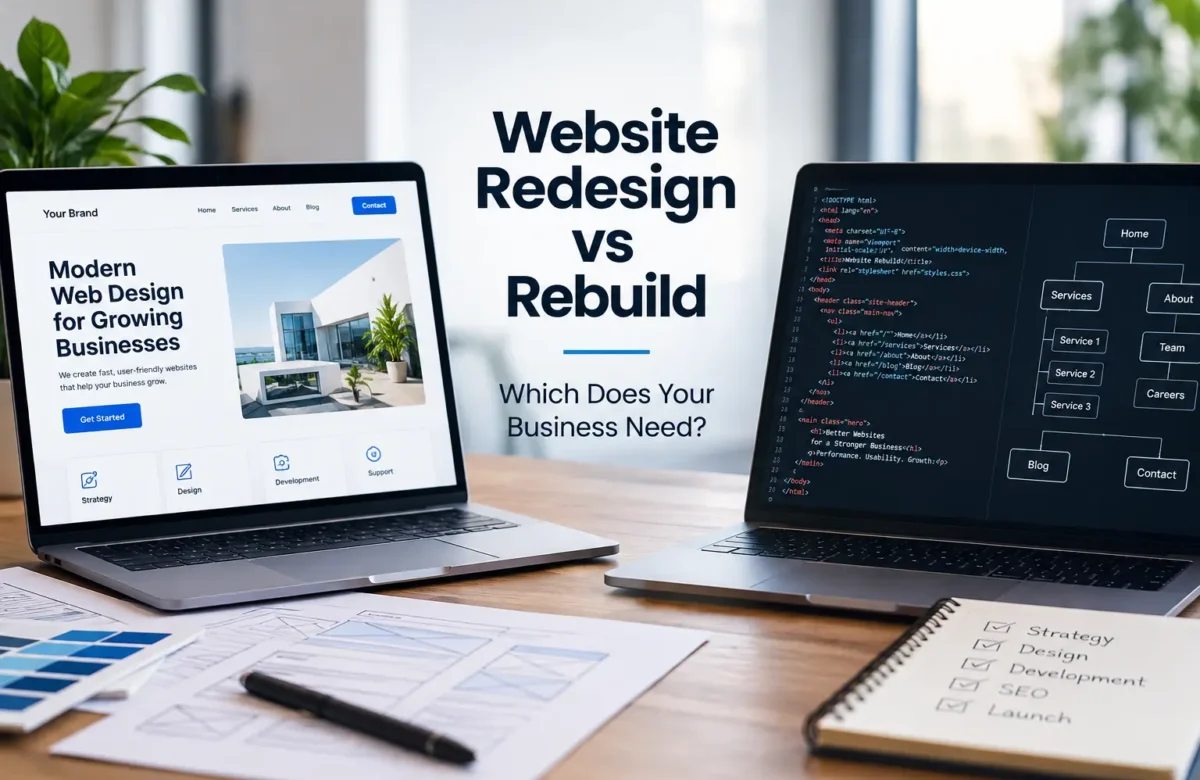
Often yes, but the appropriate approach depends on the existing website’s code, CMS, theme, content structure, functionality, and overall condition. In some cases adapting the current site is practical, while older or heavily constrained websites may benefit from a broader redesign or rebuild.
How do you test whether a website is responsive?
Testing should include multiple viewport widths, real mobile devices where possible, browser developer tools, different orientations, navigation, forms, images, interactive elements, zoom, and important user journeys. Testing only one phone and one desktop width can miss layout problems between those sizes.
Should every business website use responsive design?
Most modern websites benefit from layouts that work across different screen sizes because users access the web through many types of devices. The specific responsive strategy, breakpoints, navigation patterns, and interface decisions should still be based on the website’s audience, content, functionality, and business objectives.